DIGITAL MENU & CUSTOMER FEEDBACK
Your Menu.
Your Space.
Give your business a simple digital space where customers can view your menu and share feedback — all through one QR code.
Easy to set up Easy to manage No technical skills required

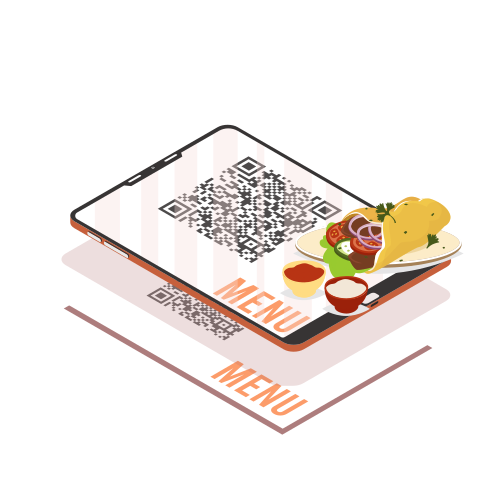 Scan to view
our menu & leave a reviewGood Food.
Better Feedback.
YOUR BUSINESS PROFILE
Everything Your Customers Need. In One Place.
A simple profile for your business, menu and customer feedback.
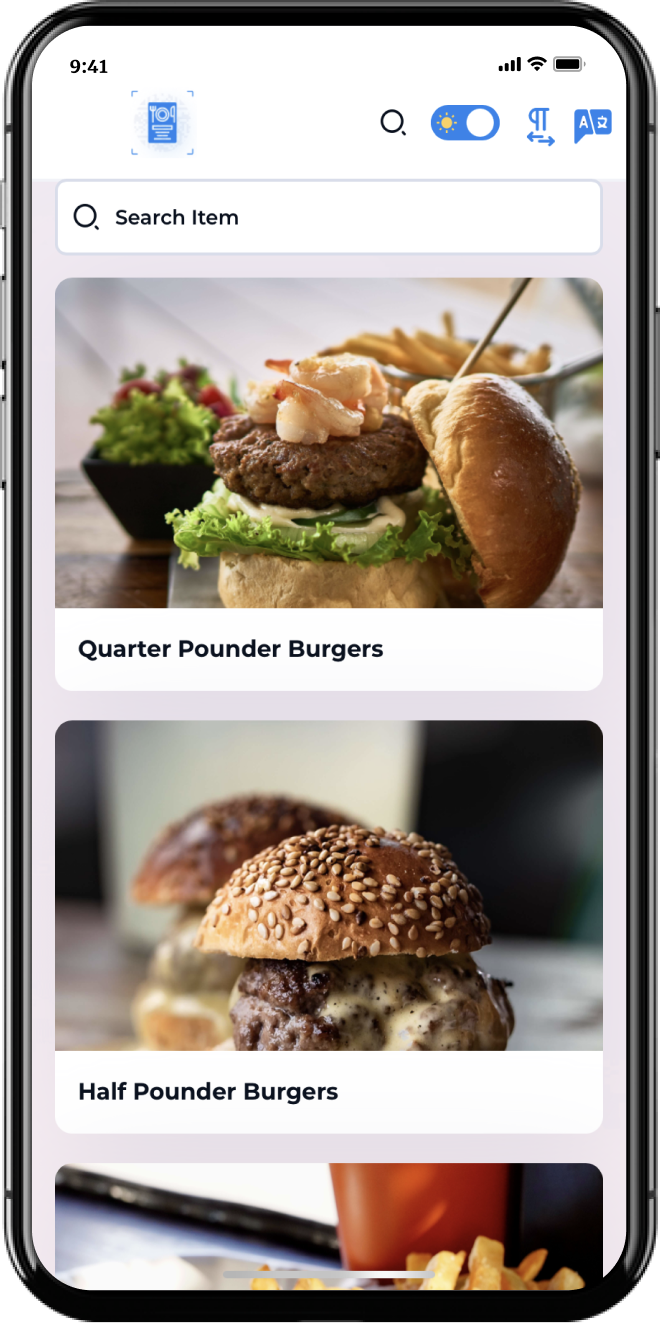
Menu
Show your menu with photos,
descriptions and prices.
Customer Feedback
Let customers leave ratings
and feedback.
QR + Link
One profile you can share anywhere
— at your restaurant, on social media
or in messages.
HOW IT WORKS
Start in 3 Simple Steps
1
Create
Create your business profile
with basic details.
2
Add
Add your menu, photos
and information.
3
Share
Download your QR code and
share it with your customers.
No app required for your customers.
FAQ
Frequently Asked Questions
DGMenu gives your business a digital menu, QR code and a place to collect customer feedback.
Customers scan your QR code and instantly open your DGMenu profile. No app or customer login is required.
Yes. You can add, edit, activate or deactivate menu items from your dashboard.
Yes. Customers can submit a rating and written feedback directly from your profile.
Reviews are private by default. You can review and approve them before they appear publicly on your profile.
Still have questions? View all FAQs
Give Your Business
Its Own Digital Space.
Create your profile. Add your menu.
Share it with customers.